Monday, 9 December 2013

Final draft - Contents


Below is my final draft of the contents page for my student’s magazine. It is totally different to my previous draft and much more simple.


 I wasn’t particularly happy with how my previous draft looked like so I’ve researched contents pages of different magazines – fashion, sport, science etc. etc. – and noticed that most of them tend to have almost the same layout from issue to issue. Usually it something simple, with image and text around it or 3 -7 smaller images with text above or beneath each of them.

For my final draft I’ve chosen the picture from the first draft however it smaller now and based on the white background. Also:
  • ·      I’ve put the name of my magazine in a big handwritten black font. It stands out a lot on a simple white background and is different to the one on the cover page.
  • ·      I was influenced by fashion magazines – a lot of them put the masthead in big font and the fact that this is a contents page above it, in smaller simpler font. Even though this is a students magazine, not a fashion one, I though this is a good idea, it looks good on my cover page and stands out very well, despite the small size of the text.
  • ·      I’ve also noticed that a lot of magazines divide their contents in groups by themes. So did I. I’ve used the same sans-serif font for both subheadings and pages reference’s but different sizes and colours.
  • ·      The whole page has 3-colour writing on it – red, black and white. I thought these colours will stand out a lot on a white background (and white on a dark photo) and also they reflect the colours on the photo. They don’t look overwhelming and too much and the text is easily read. 
  • ·      In my last draft the editor letter was somewhere in the end, according to my contents. However, I realised that usually it is put at the very first pages of the magazine, between adverts and contents pages. 
  • ·      All the headings and writing are in a straight neat and nice column. They are easy to read and balanced with the image. Also, the picture and text don’t distract the eye of the reader from one another.
  • ·      I’ve put the page number of the interview on the actual picture of the model. This sends clear message to the reader who is the interview with and about and doesn’t need any explanation. Also the white colour of the text stands out and contrasts with picture but echoes the background.
  • ·      I’ve also added the advert of a mobile version of the magazine and the website, as this is also often seen in the real magazines.


Overall my idea was to KEEP IT SIMPLE.  I’ve tried to create a balanced and eye-catching page, which will be easy to read, give all the needed information, but not too much. Also, I’ve focused on the ways to make the reader READ the magazine, not just look through pretty pictures. Once again, this page looks as a contents page for a magazine that aims for older students, what is exactly what I wanted. In a way, it even looks classy – straight lines, simple colours, one big and good picture and a heading that stands out. Being honest – I like it!)

Sunday, 8 December 2013

Final draft - Cover

After struggling with photoshop for a long time and all the attempts to be original and creative finally the newborn cover page of the "Edmundian times" is here. 


Must say, I am pleased with my work and proud of myself. I like what I see and I feel it is interesting and quite close to a real magazine cover.

Compering to my last draft this one looks better and has those little details added that are so important.
First of all, I've kept the general layout the same as previous time, however some changes took place:
  • The masthead - it is still white and stands out on the background, but I've chosen the font with very straight lines, which makes it simple and serious. This is good as my magazine, following from the cover lines is aimed for older students.
  • The number of issue with month and year is still beneath the St.Edmund's Crest so no major changes happened there - only the font of the text.
  • Ive decided to keep all the colours of the cover lines simple and same to the previous draft. However, this time all of them are in bold underlined font which varies in sizes a little bit. I've done it to make some cover lines stand out even more than others. All the rest of the text on the page is in white.
  • My three main cover lines were put in one column on the left side of the page - this looks neater and balances the overall look of the page.
  • I've decided to put something that would be related to my main picture, something like quote, as you can see, on the right side of the page. In the real magazine there is usually a cover line that is related to the model on the cover page - so by adding a simple quote with a name I am one step closer to the real magazine.
  • Another change was the barcode. Instead of having a white rectangle with black bars on the dark background I've put the one that has white bars and numbers and contrasts the page. 
  • I've moved the website address closer to the left and in the bottom right corner put a diagonal sign, telling the readers that this magazine is for free. It is in a bold red font and massively stands out from everything else on the page. 
Overall, I've kept my cover page simple, in bright and contrasting colours, trying not to put too much of everything on it. I do have those little details a real magazine cover will have, and even though it is surely not perfect or ideal it is a good try and I am happy with it.)

Friday, 6 December 2013

Second draft - Contents

This is my second draft of the contents page:


For this contents page I've chosen a picture of Donna and faded it a little bit so that I could put text over it. This is what I've managed to do while working on this page:
  • As I've already mentioned, I've faded the picture and used it as a full sized background.
  • Across the whole page I've put a heading ''contents'' in a white capital letters in big font - it is bright and stands out good on a coloured background.
  • I've used same fonts for cover lines and red colour. They look bright and neat as there is not too much of different writings.
  • Same with the writing below cover lines - all in same font and same colour. I thought that real magazines wont overuse different styles of fonts and stay simple highloghting the main points.
  • I've put the coverlines in a slight diagonal to fill up the space however, it doesnt look very neat and sometimes it is hard to read.
  • The last thing I've put on my contents page is little blue snowflakes and ''Christmas edition'' in red on top of snowflakes, however once again it is pretty hard to read so I need to think of changes for the next and final draft.

Wednesday, 4 December 2013

Second draft - Cover

So, I've imroved my photoshop skills and added more details on my drafts of the cover and contents pages.


This is my second draft of the cover page. I used the same picture, but I've tried to make it look like as close to the real magazine as possible:

  • First of all I've changed the font and colour of the masthead. Now it is white and looks more serious and simpple. I thought that white and black will contrast very well and also, th ereal magazines usially choose a font with straight lines and nothing very extraordinary and with massive detailes.
  • I've also decided to live the crest on the cover and I've rote the number and date of issue underneath it as usually this is written somewhere in the upper corner of the magazine.
  • For the cover lines I've used three diffewrent and quite bright colours which can be also seen on the crest. Also different fonts were used for the cover lines,contrasting with the background and highlighting the different themes of the issue. All the rest of the writing is in smaller white font. 
  • The barcode at the bottom left corner adds realism to this cover page as well as the webside in the right corner.
Overall, I've tried to keep it simple and not add too much colour. I like the idea of minimalism in a way, because than the picture stands out more and everything is balanced on the cover page.


First draft

I have done these pages to have an overall image of how my cover and content pages could look like. these are not really drafts as there is only the main picture and the mustheadon them. Ive chosen two pictures for these two pages:


I've chosen a picture of Daniela for the cover and added my musthead on it. I've used in a way a very artistic font in light blue colour. The letters ''E'' and ''T'' stand out a lot reflecting the name of the magazine. The color of the musthead also reflects the colours of the school crest which I've decided to add to represent the school and emphasise that this is a student magazine.


After working with this picture I've decided to stick with it and use it in all the further drafts and the final cover page. The black background allows to use any other colours for the cover lines and the picture itself is very cheerfull (even though dark colours are dominant) as the light is directed on Daniela's face and highlights all the emotions. It catches the eye but doesnt distract from other thongs on the cover.

I've also tried to do the layout of the contents page. For it I've used a picture of Donna. I've decided to use it in the maximum size and as an actual background for the page. I thought making it black and white would be a good idea, as I could use different colours for the headings of the contents. However, the picture appeared really dark and even depressing. This is a good picture as the placing of person in the shot allows me to write all the contents on the right side of the page in a nice neat coloumn. I think I can use this picture but work more on it, add effects and make it less dark and more interesting. 


Sunday, 1 December 2013

The photoshoot

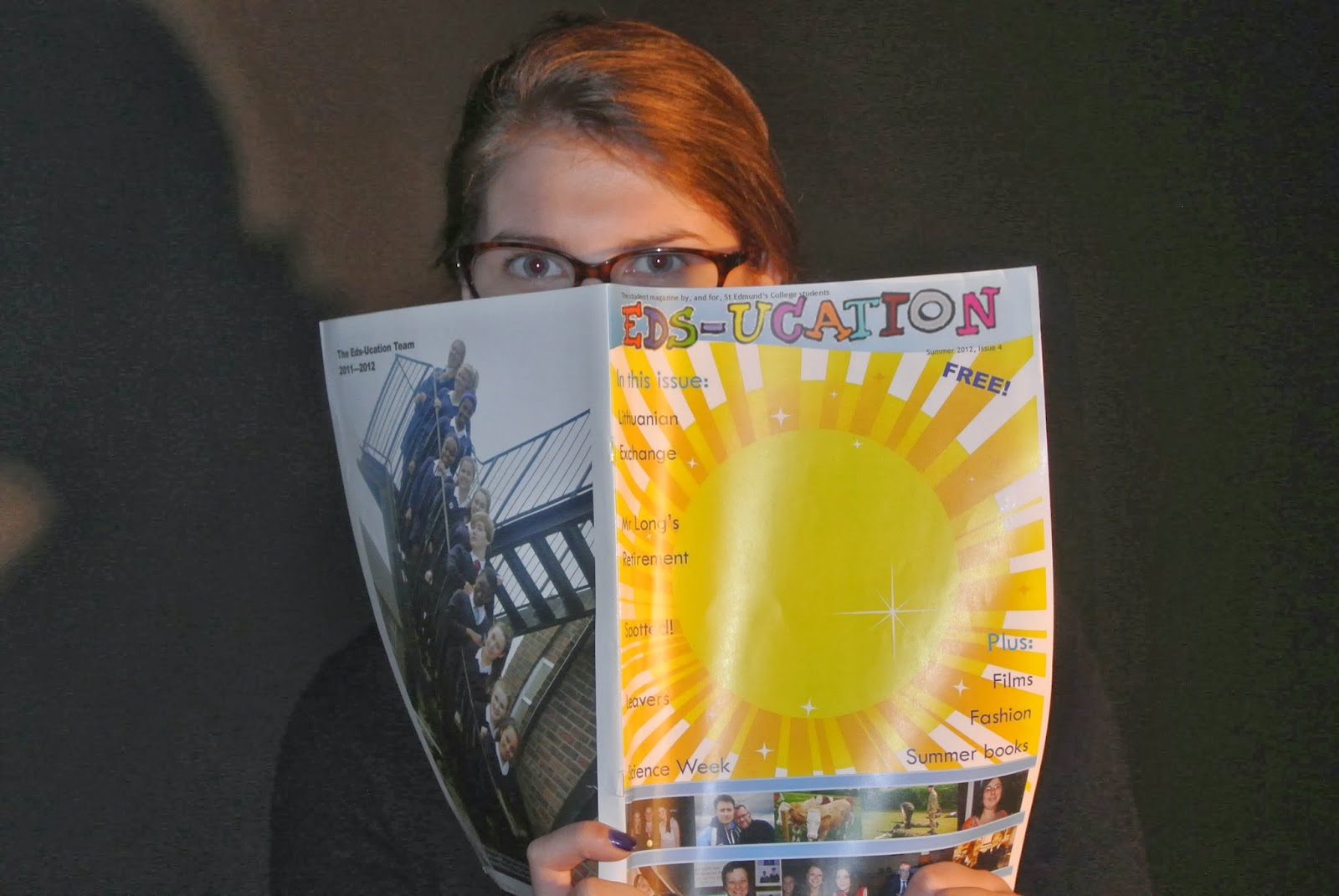
We managed to have our photoshoot in the classroom. All we've used for equipment was a black background, a tripod and a light. Each of us had a camera so we ended up with a variety of shots. Personally I've been using this baby:


We decided on the black background rather than white as we thought that way the focus of pictures will be on people's emotions and photos will be ''alive''. Also we turned the main lights off so that only one light, focused on a person being photographed, remained. All this created a very special atmosphere and we achieved a good result. In pictures people are the main focus, their faces highlighted, true emotions are seen. And to add to this, we had a very fun time with only positive emotions.


Backstage fun

Last lesson we organised a photoshoot to take pictures for the covers and content pages of our student magazines. 

Usually people see only the covers, but what was happening backstage of the photoshoot remains hidden. So while everyone was taking pictures of their "models" I've decided to capture the process. Here are some of my photos.